What this game is
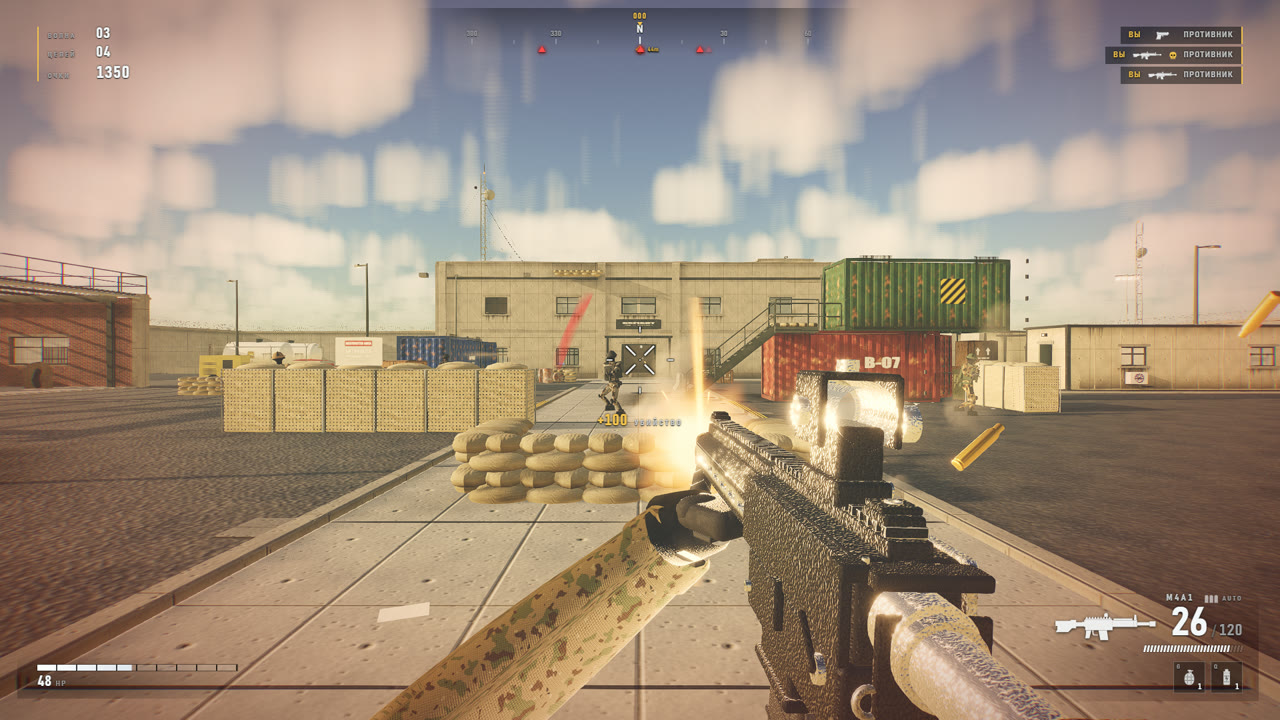
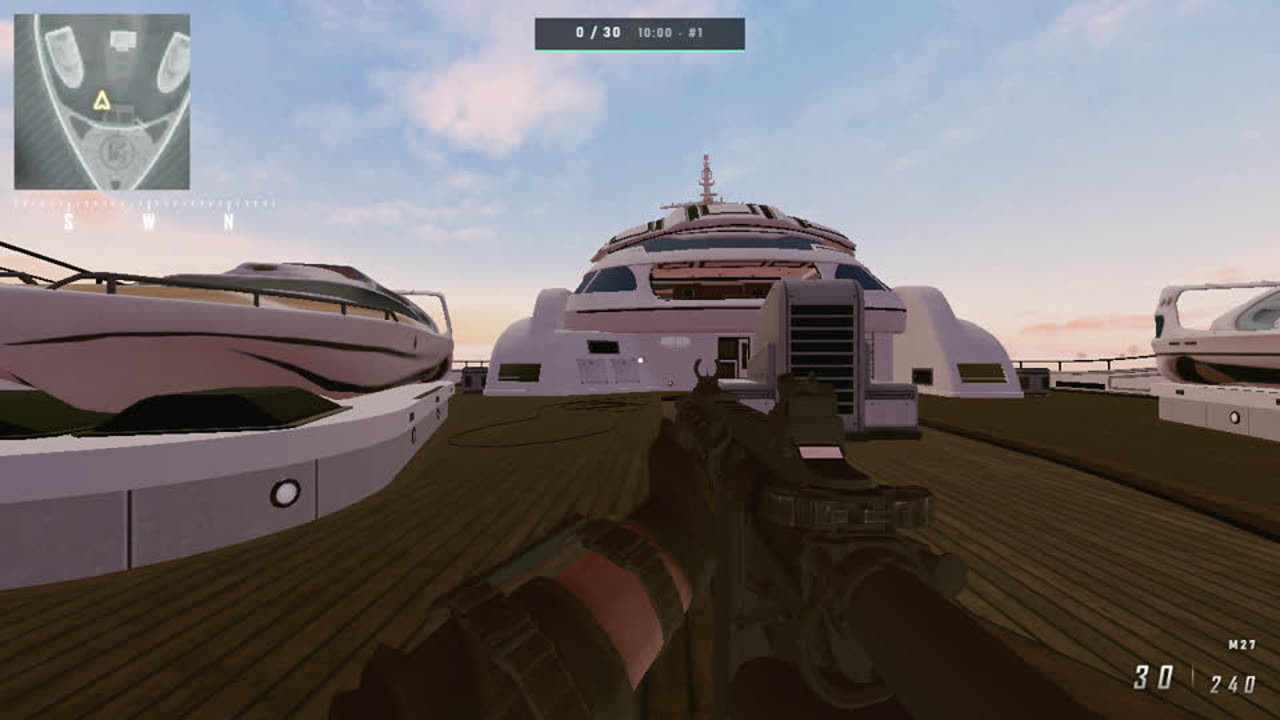
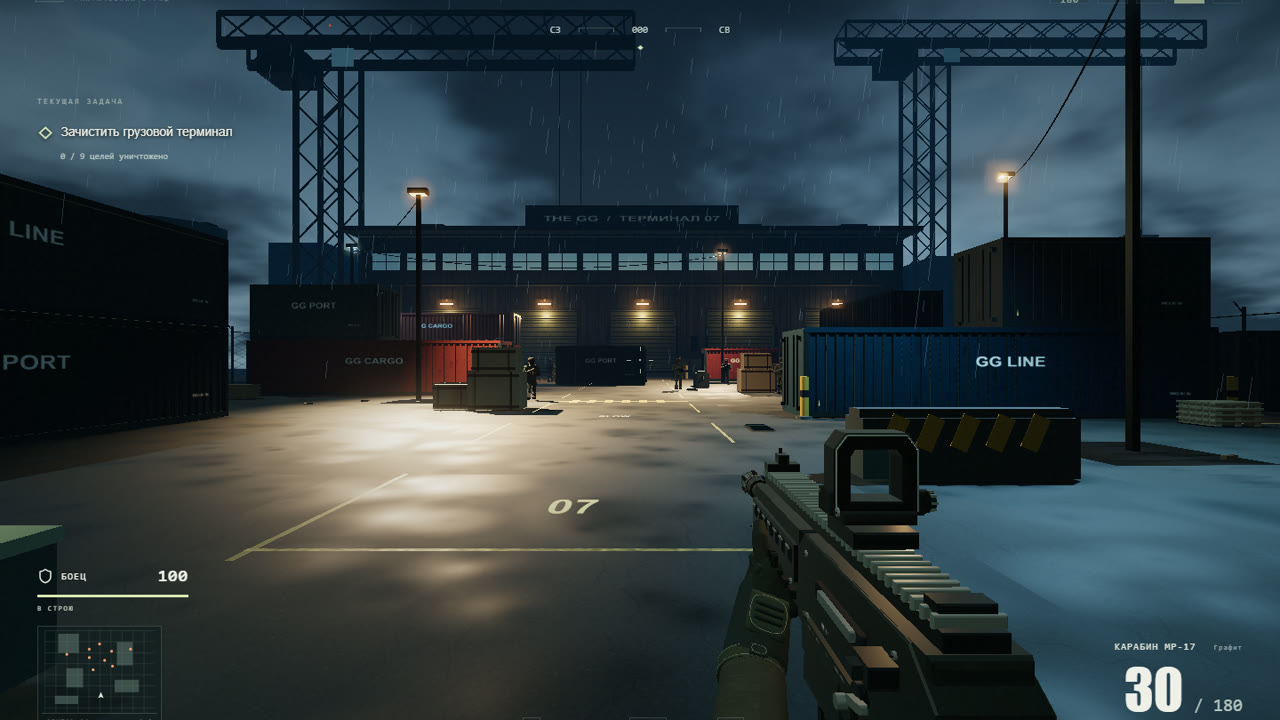
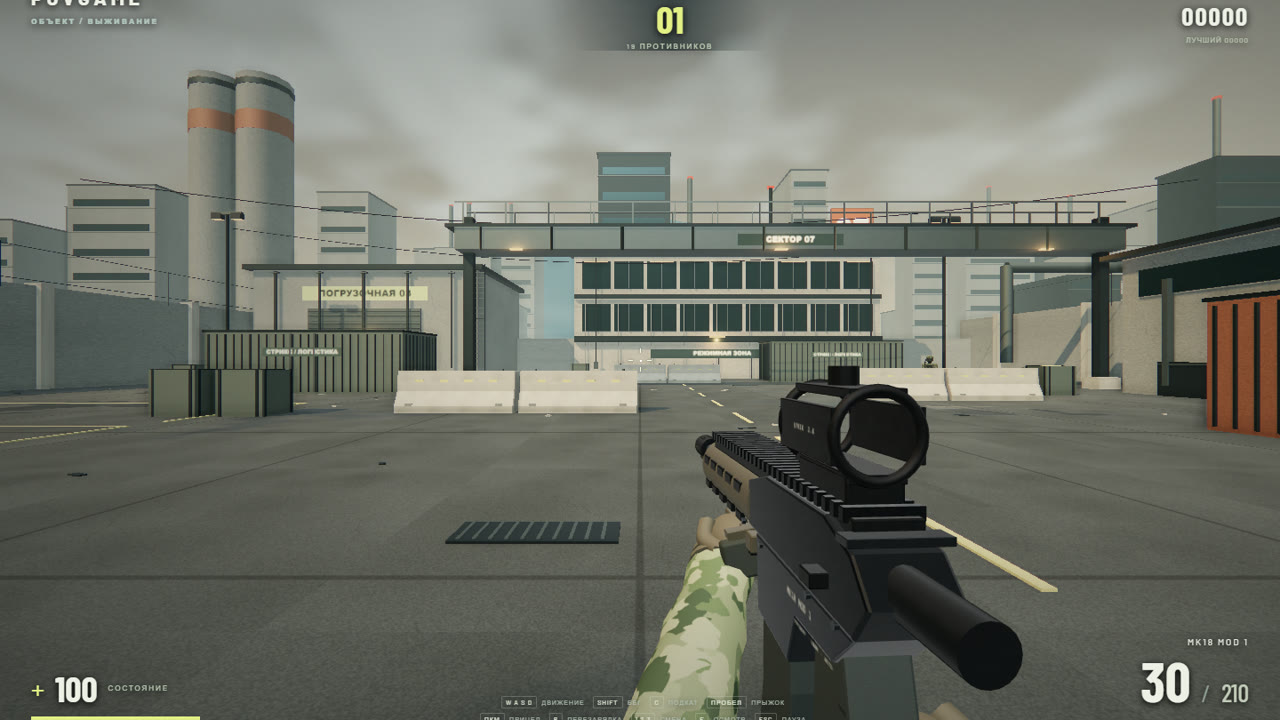
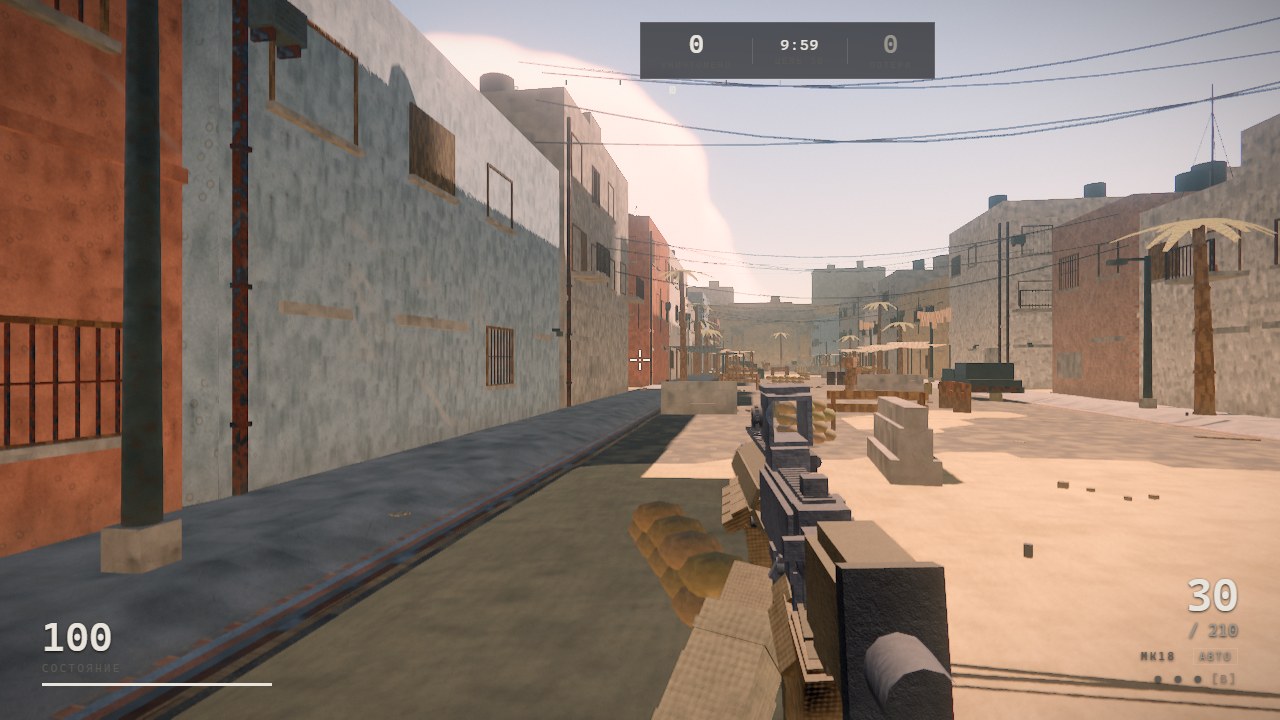
WWGUNE is a first-person shooter that starts in a browser tab. The carbine behaves like a real one: recoil climbs along a pattern you can learn, spread opens up when you run or jump, and the first shot from a settled stance lands exactly on the reticle. The opposition works the map for real — it flanks, uses cover and stays down under fire.
The unusual part is that the game ships no image or sound files at all. The district, the weapon, the sky, the shadows and every gunshot are computed in code while the page loads. That is why it weighs under a megabyte and opens in seconds.
Three match modes
- Quick battle — a full match to 30 points or ten minutes, with unlimited respawns.
- Skirmish — a compressed fight to 12 points in five minutes, respawns twice as fast.
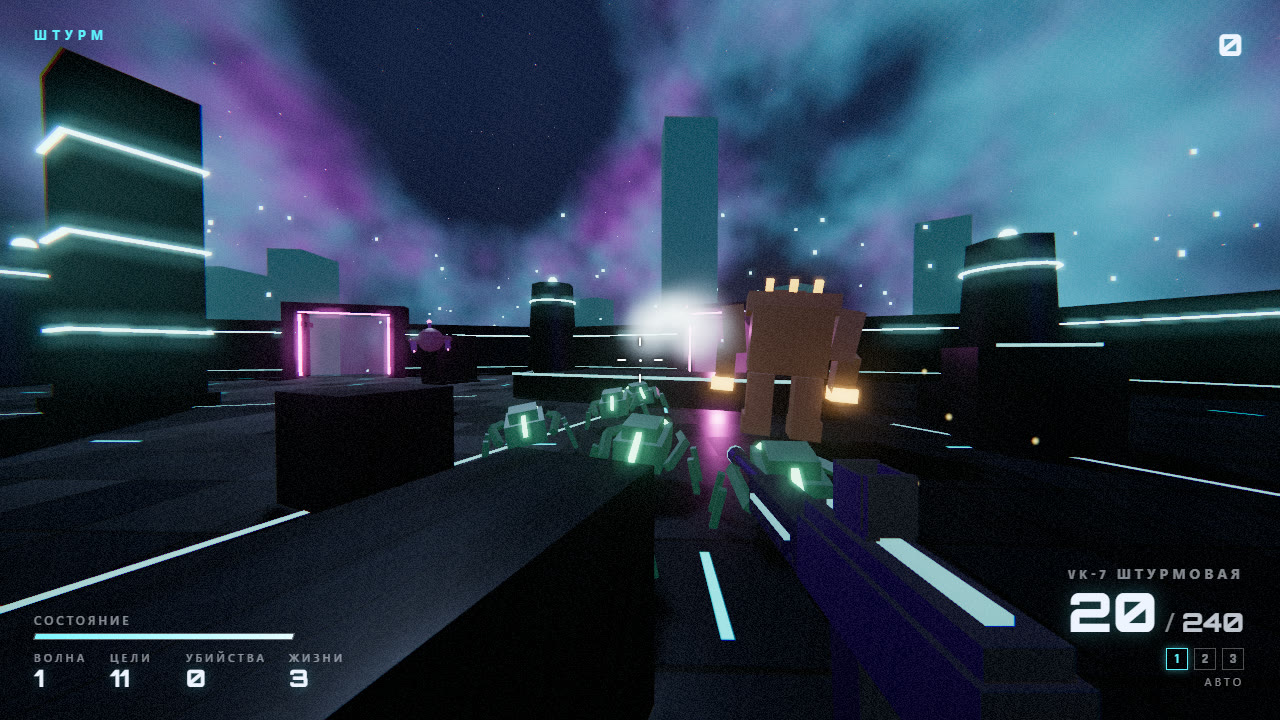
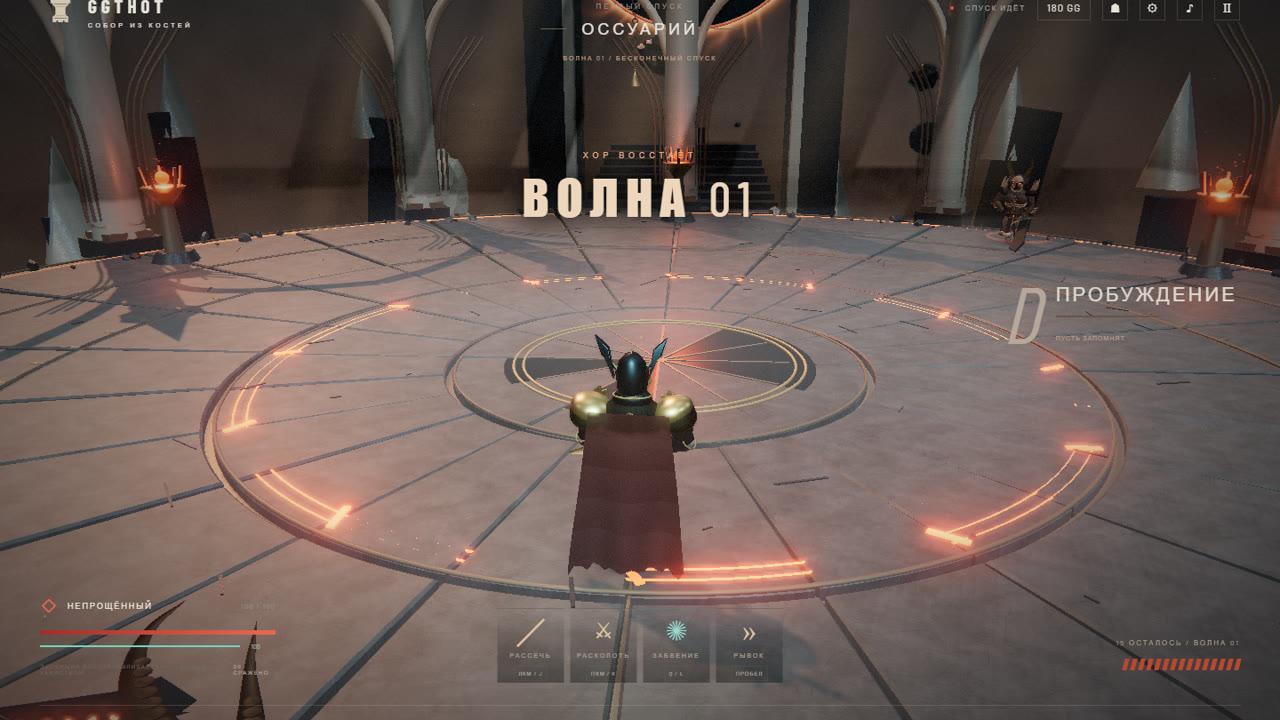
- Waves — eight waves back to back, each bigger and sharper than the last. Three lives for the whole run.
Weapon skin shop
Matches pay out GG, the portal currency. You spend it on carbine finishes: fifteen of them, from plain graphite to gold, obsidian and neon. A skin only changes how the gun looks, never how it shoots, and your choice is stored on the account, so it follows you to any device.
How to start playing
- Open the game — it loads straight in the browser, nothing to download.
- Pick a mode in the menu: quick battle, skirmish or waves.
- Click the screen to hand the cursor to the game and get into the fight.
Tips for new players
Fire in short bursts: the recoil is predictable, but a long burst walks the barrel upwards. Stop before you shoot — moving widens the spread noticeably. If the frame rate drops, lower the quality in settings: there are five presets, from very low to maximum.
Questions and answers
Do I need to download WWGUNE?
No. The game runs in the browser, just open the page.
How much does it cost?
Playing is free. Matches pay GG, which buys weapon skins — they only change how the gun looks.
Can I play on a phone?
Not yet: the game is built for mouse and keyboard, touch controls are in the works.
What if the game runs slowly?
Lower the quality in settings and close spare tabs — browser games share video memory with everything else open.